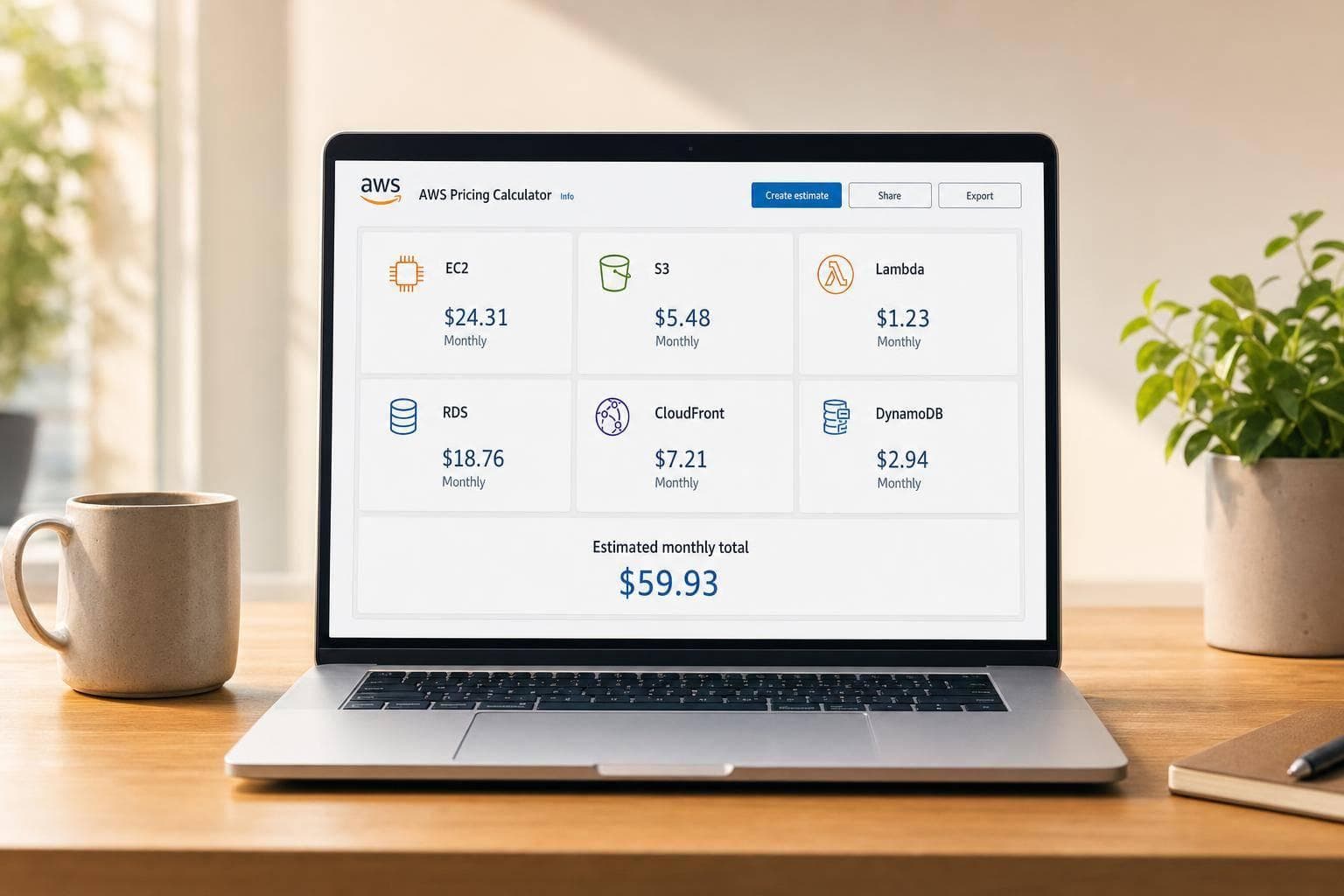
AWS Pricing Calculator
Estimate AWS Costs with More Confidence
Cloud pricing can get complicated fast, especially when you're combining compute, storage, databases, and delivery services in one project. This AWS pricing calculator helps you build a clear monthly estimate without wading through unnecessary complexity. Instead of asking for every edge-case setting, it focuses on the inputs that matter most for day-to-day planning.
Built for Practical Cost Planning
You can add services like EC2, S3, Lambda, RDS, CloudFront, and DynamoDB, then enter realistic usage assumptions for each one. The tool calculates a subtotal per service and rolls everything into a single monthly view, which makes budgeting much easier for startups, developers, and operations teams.
Fast, Flexible, and Easy to Adjust
A good AWS cost estimator should make comparison simple. If you're deciding between instance sizes, storage levels, request volume, or different usage patterns, you can change the inputs and recalculate instantly in the browser. When exact live rates aren't available, editable pricing tables keep the estimate transparent and easy to understand.
For anyone trying to forecast infrastructure spend, this AWS pricing calculator offers a practical way to test assumptions, spot cost drivers, and plan with fewer surprises.
FAQs
How accurate is this AWS pricing calculator?
This tool is designed for practical planning, not official billing. It gives you a solid monthly estimate based on the service inputs you provide and the pricing rates configured in the calculator. If live AWS pricing isn't connected, the tool should clearly label any placeholder rates so you know the result is an estimate rather than a final invoice figure.
Which AWS services can I estimate with this tool?
You can estimate common services that often drive monthly cloud spend, including EC2, S3, Lambda, RDS, CloudFront, and DynamoDB. Each service only asks for the pricing inputs that matter most for a useful estimate, so you can model costs quickly without digging through a long list of advanced settings.
Can I change assumptions and compare different usage scenarios?
Yes. That's one of the main benefits of a browser-based estimator like this. You can update instance counts, storage levels, request volumes, hours, regions, or throughput assumptions and see the totals refresh right away. It makes it much easier to compare options before you commit to an architecture or budget.